THUMBFORGE
AI thumbnail maker
for YouTube creators
Create custom covers with ThumbForge’s YouTube thumbnail maker. Turn your video idea and headline into a 16:9 image, choose your style, and review the result before posting.
1 free thumbnail per account, once · email and signup required · no card needed
FROM IDEA TO COVER
AI thumbnail maker examples
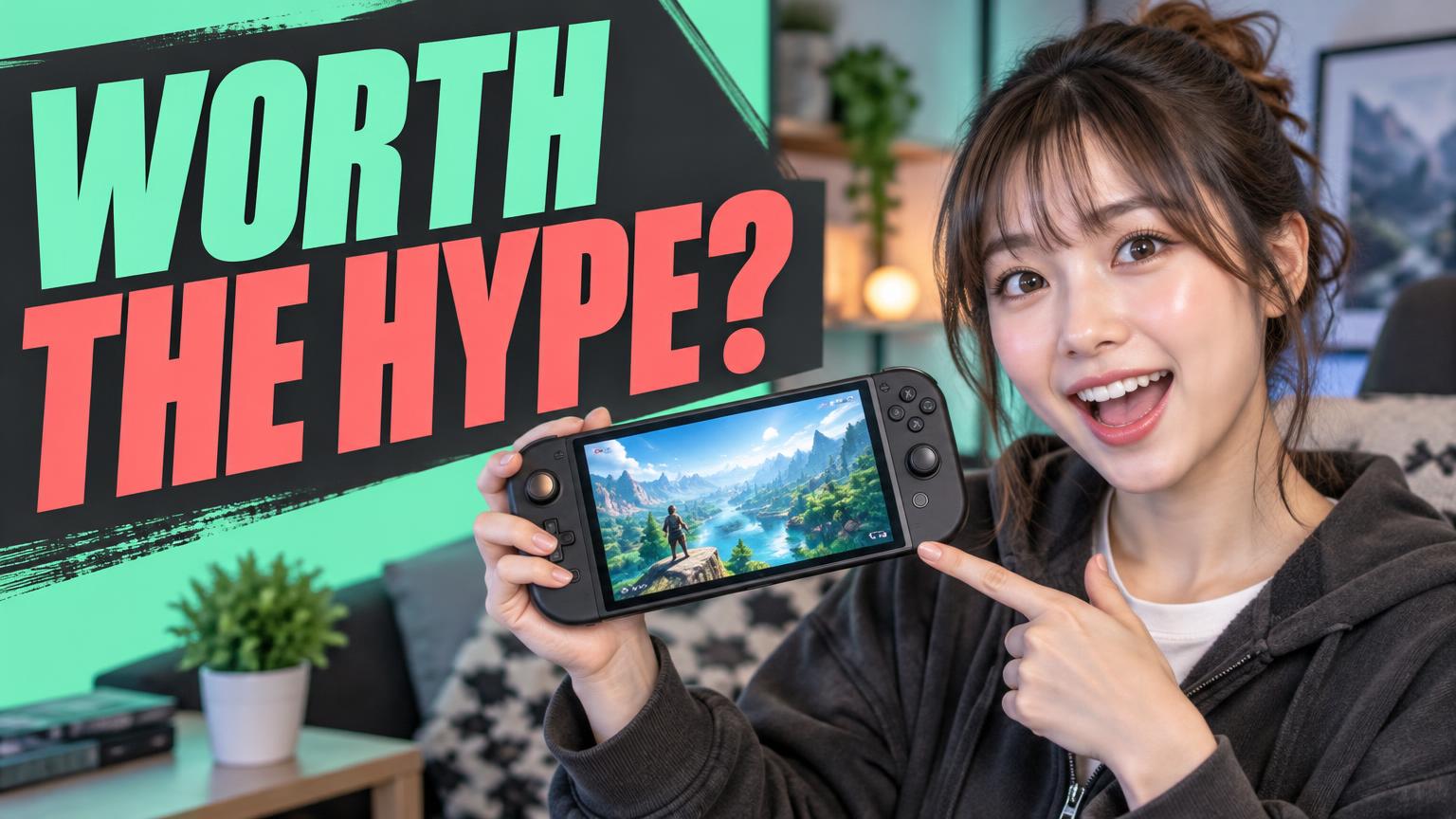
Illustrative examples. Recreate a direction with your own subject and headline; results will vary.
How to use the
YouTube thumbnail maker
For standard horizontal videos, ThumbForge’s YouTube preset uses a 16:9 composition at 1536 × 864 pixels. Vertical Shorts and TikTok covers need a different format and publishing workflow.
Add the exact headline you want and choose a style such as Bold Creator, Cinematic, or Clean Minimal. Use the concept assistant to refine your brief or work from a reference you have permission to use.
YouTube format and upload guide- 01
Describe the video
Name one main subject, what the video shows, and a short, accurate headline.
- 02
Choose format and style
Select YouTube for a horizontal cover. Develop your concept before generating the finished image.
- 03
Review and download
Check spelling, faces, and product details. Look at the cover small before downloading your chosen version.
BEFORE YOU PUBLISH
Clear beats crowded
- Keep one recognizable subject and a short headline.
- Check that the image accurately represents your video.
- Inspect AI-generated text and details for mistakes.
- Confirm YouTube’s current upload requirements before posting.
No thumbnail tool guarantees views or clicks.
YouTube’s official thumbnail guidanceTry your first thumbnail free
Your first 1 thumbnail is free with your email and signup, once per account. After that, choose $5 once for 5 creations without a subscription, or $10/month for up to 100 thumbnails per month. Each generated thumbnail uses one creation.
THE CREATOR’S NOTEBOOK
YouTube thumbnail guides & AI tools
AI thumbnail maker: turn a video idea into a clear cover
A practical AI thumbnail maker workflow: write a specific prompt, choose a style, check the result and try your first ThumbForge thumbnail free.
Read guide
YouTube thumbnail maker: a practical guide for your next upload
Choose a clear subject, readable headline and horizontal format with this YouTube thumbnail maker guide, including a review and upload checklist.
Read guide
AI thumbnail prompts for reviews, tutorials and travel videos
Three adaptable AI thumbnail prompts, plus a simple way to brief AI tools without overcrowding the image or making misleading promises.
Read guide